
Standard Operating Procedures (SOPs) are a staple of scaling businesses. Owners write long Google Docs or PDFs detailing how to handle lead intake, enter bookings, and format invoices. They expect staff to read, remember, and follow these rules. However, when operations scale, staff often bypass these documents, leading to dirty databases, missed fields, and scheduling errors.
The Friction of Separated Knowledge
Human-computer interaction (HCI) research from MIT on workflow friction highlights that separating instructions from the work interface increases data entry error rates by over 40%. When an employee has to open a separate PDF to check a policy or format a record, they tend to guess instead to save time. Static documents cannot enforce compliance; they only provide documentation after an error has occurred.
+--------------------------------------------+
|         Unchecked Form Input (PDF SOP)     |
+--------------------------------------------+
|  Phone: [ 512-555-O199 ] -> Written typo   |
|  Address: [ 100 Main St ] -> Unverified     |
+--------------------------------------------+
                      VS
+--------------------------------------------+
|     Inline System Constraints (Database)   |
+--------------------------------------------+
|  Phone: [ Regex Constraint check ]         |
|  Address: [ Geo-location Verification API ] |
+--------------------------------------------+
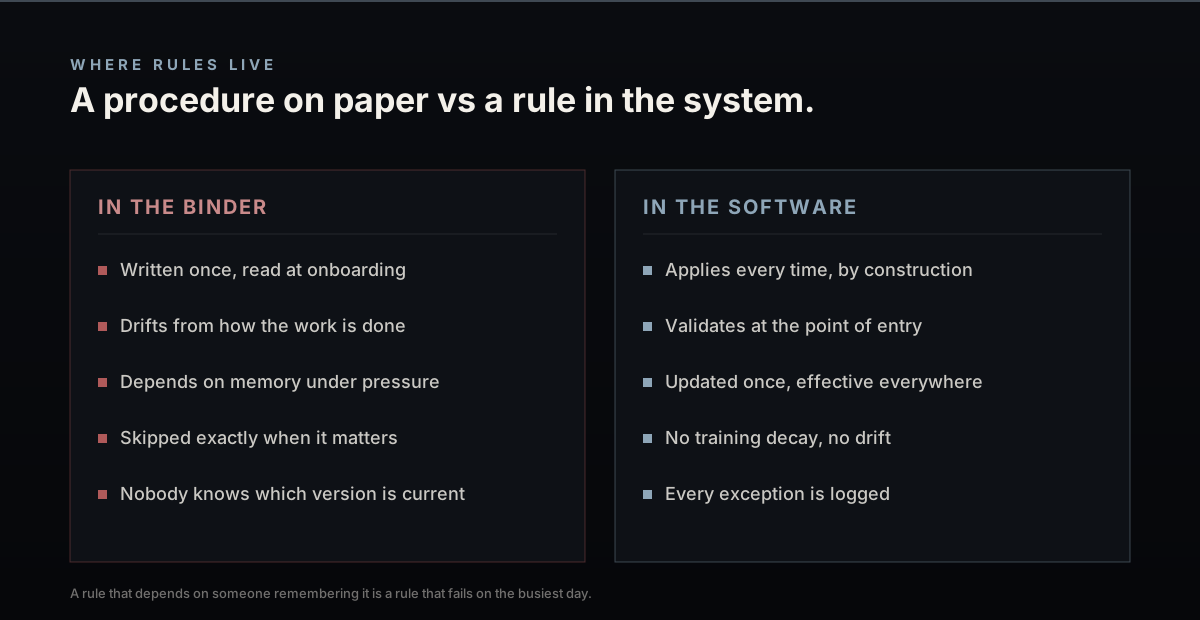
If your operational rules live in a PDF manual instead of being enforced by your software's data fields, they are suggestions, not procedures.
Implementing Form Verification Constraints
To enforce data compliance, fields must be restricted using input verification. Below is an HTML form field snippet showing how to embed telephone input patterns and geo-lookup validation checks directly into the user interface, blocking typos before they reach the database:
<input
  type="tel"
  id="phone"
  name="phone"
  pattern="^[0-9]{3}-[0-9]{3}-[0-9]{4}quot;
  required
  placeholder="Format: 512-555-0100"
  onchange="validatePhone(this)"
/>
By locking database inputs with built-in validation rules, you eliminate formatting errors, protect data quality, and reduce the time spent training new hires.